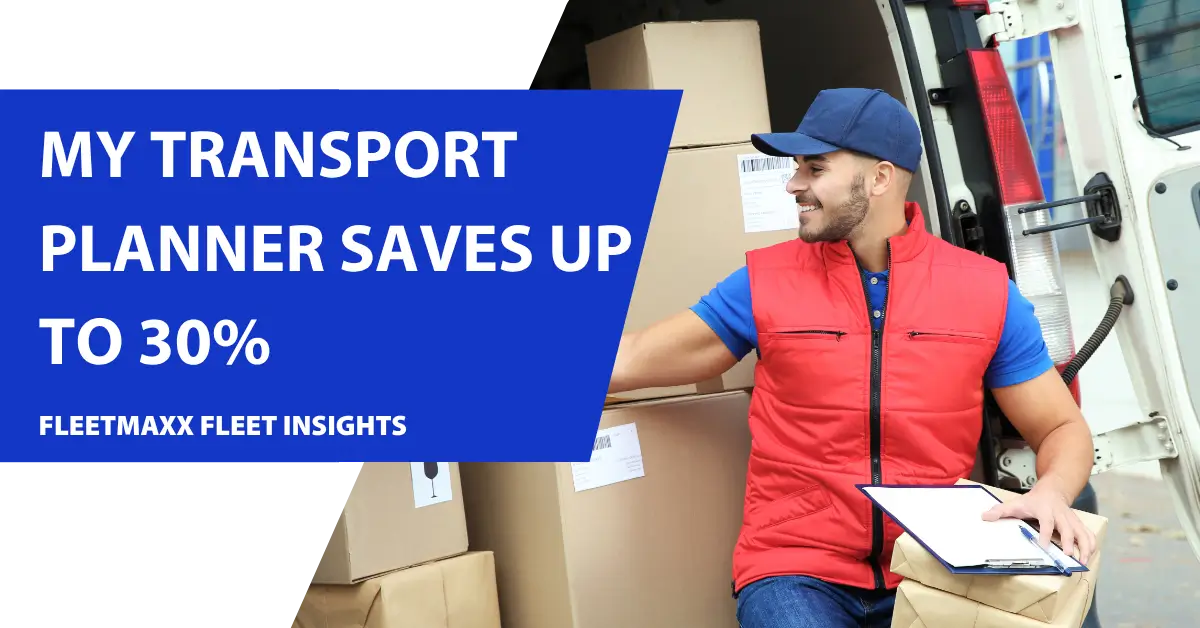
VEHICLE ROUTE PLANNER: MY TRANSPORT PLANNER

Pay-as-you-go transport planner and driver route optimisation tool designed to save your organisation up to 30% off your vehicle running costs. All from only 99p per vehicle a day.
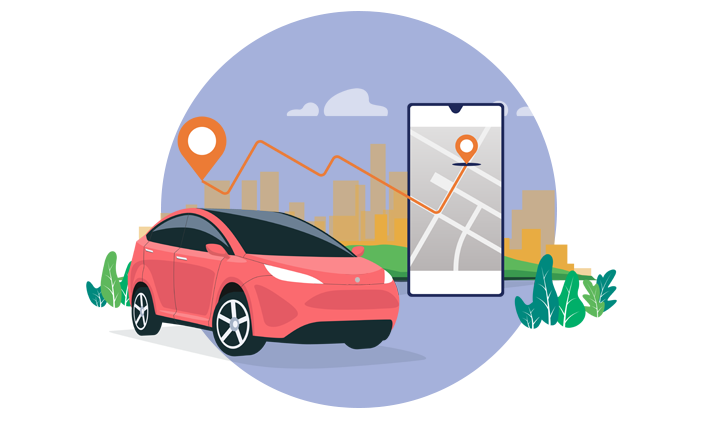
route optimisation

What is My Transport Planner?

My Transport Planner, from Fleetmaxx Solutions, is a state-of-the-art, pay-as-you-go, web-based transport planner tool designed for all businesses running vehicles on the road. The platform delivers valuable efficiency gains, which can be easily measured in:

N

A saving in planning time

N

A reduction in costs

N

An increase in productivity

N

A reduction in emissions

N

A reduction in total mileage

My Transport Planner can optimise electric and hybrid vehicles, either on their own or as part of a wider fleet – and can consider infrastructure and recharging times.

Route Optimisation

5 simple steps to route planning success

route planner

STEP 1 Validation

Begin with our free benchmark service to assess the potential efficiencies our route planner can deliver for your organisation.
route optimisation

STEP 2 Action

Experience our award-winning PAYG route optimisation service for three months to confirm the efficiencies firsthand.
route planning

STEP 3 Learn

Choose the route planning bundle that best fits your needs and select a term between 12 and 60 months.
route planning software

STEP 4 Update

We’ll refine your bundle based on insights from the Action step and finalise a plan for go-live.
route planner software

STEP 5 Execute

Start enjoying the savings and efficiencies generated by our route planning technology and save up to 30%.

What are the key benefits of My Transport Planner?

Lower costs – My Transport Planner can help cut  costs by 30% through lower fleet mileage, reduced planning time, improved safety and higher vehicle utilisation. It can help reduce overtime and sub-contractor usage.

Quicker planning – Import your jobs, allocate and optimise in minutes. You can also drag and drop from the map, make manual changes and generate customer ETAs.

Instant ROI – You pay a daily cost of 99p per vehicle route– and My Transport planner helps you save much more than that, ensuring an instant return on investment.

Higher productivity – With My Trip Planner you spend less time planning and more time increasing vehicle productivity and utilisation. Our quick allocation process makes it a simple process.

Lower mileage – Reduce your total fleet mileage by up to 20% compared to manually planning your routes. Our algorithms calculate the most efficient routes and automatically schedule for you.

Fewer emissions – Planning the shortest route means fewer miles. Which will naturally help lower your emissions. Furthermore, My Transport Planner can also optimise your electric and hybrid vehicles, as well as e-cargo bikes.

Planning your route with My Transport Planner will vastly help operators with electric fleets as you can plan and schedule when your drivers should charge their vehicles. This would increase productivity.

Route planner ROI

The platform has been specifically designed to unlock the benefits of route planner and optimisation for all fleets, no matter their size. More efficient route planning can reduce your organisation’s fleet mileage by up to 20%, whilst reducing vehicle emissions to help to meet sustainability goals.

Reduce costs by 30%

Total cost reductions of up to 30%, providing instant ROI for My Transport Planner users.
Are you in control of your vehicle operating costs? Looking for ways to reduce your annual mileage, fuel costs and emissions? Speak to an expert today.

Only pay for the route planner services you need

Starter
£0.99 Per vehicle per day

Designed for smaller fleets, this plan automates the planning process, reduces admin time, cuts costs, boosts productivity, and helps lower emissions.

Features:

  • Quote
  • Import & export
  • Geocoding
  • Drag & drop allocation
  • Route optimisation
  • Edit job function
  • Statistics dashboard
  • Route visualisation
  • ETAs
  • Reporting
  • 5 days pro services

Advanced
£1.49 Per vehicle per day

Ideal for fleets seeking additional features and requiring an integrated driver app with EPOD and defect reporting.

Includes all Starter features, plus:

  • API integration
  • Driver App
  • Defect reporting
  • Barcode scanning
  • Image capture
  • GPS tracking
  • AI assistant
  • Third-party integration
  • 10 days pro services

Professional
£1.99 Per vehicle per day

For advanced and dynamic optimisation, including a customer comms app, client tracking portal, live routes dashboard, and rules engine.

Includes all Advanced features, plus:

  • Dynamic optimisation
  • Customer comms app
  • Client tracking portal
  • Live routes dashboard
  • Translator app
  • Rules engine
  • Scenario planning
  • Dedicated account manager
  • 20 days pro services

Enterprise
Contact us for pricing

Tailored for larger organisations with bespoke requirements, multiple integration points, high volumes, and customised apps.

Includes all Professional features, plus:

  • AI enabled
  • Machine learning
  • Bespoke customisation
  • Dedicated instances
  • 24/7 support
  • Project Team
  • Capacity planning
  • Slot booking
  • 50 days pro services
our quick enquiry

Contact our route planner team 

Our team of friendly advisers are on hand to discuss all of your route planner needs.  Please complete the simple enquiry form, and we’ll get back to you promptly.
This field is hidden when viewing the form
Please note that your information is stored on our server as you enter it. By giving us your email address you confirm you are happy for us to notify you of offers and services by email. We won’t bombard you – tell us at any time if you want to unsubscribe. Don’t worry – we respect your data. We keep it securely and responsibly and we only release it in accordance with the law; otherwise we don’t pass on. See privacy policy for more. privacy policy .
This field is hidden when viewing the form
Hidden - Business Type
This field is hidden when viewing the form
 

Route Planner – My Transport Planner FAQs

How can register for a My Transport Planner account?

You can register for an account by contacting us today.

When you first log into My Transport Planner, there are just three sections that must be completed before you can start planning:


1. Company Details – basic information which identifies you as a customer within My Transport Planner.

2. Depots – A location in which your journeys start and end for each of your resources.

3. Resources – A resource is a driver/vehicle combination for transporting goods and services.

What information/data do I need to start using the route planner?

There are two types of data requirements:

1. Resource information which, once set up in the system remains and can be maintained, requires basic information on your vehicles/drivers, including vehicle type, capacity, shift patterns etc

2. Jobs information – this feeds into MTP for your daily planning and requires some basic mandatory details such as unique job number, address, delivery type, quantity.

A description of each field together with detailed information can be found in downloaded from My Utilities tab.

Do I need to integrate with my back-office systems to use MTP?

No, you can start using the system by manually importing your job data through CSV or excel files. However, should you want to integrate, speak to one of our team who will be able to share our published APIs to automate the process and discuss this with you.

How long does it take to optimise my routes?

Optimisation is a complex calculation which can take a few minutes to complete and depends on the number of jobs and available vehicles to consider. On-screen visual indicators will confirm that the optimisation is running and confirm completion.

Does the system handle overnight route planning?

Yes in the resource set up you can configure a vehicle for overnight planning.

Can you plan for vehicles that have multiple shifts per day?

Yes – If your vehicles perform multiple shifts during the day, we recommend that you create multiple versions of the same resource for each shift..

Does the system consider reloads?

Yes in the company section, you can enable a reloading facility for the system to plan the return to depot to reload for multiple runs.

Can the route planner handle collections and deliveries?

Yes – the job type is determined by C for collections and D for deliveries, allowing the system to plan and consider the weight/quantities for maximum vehicle utilisation.

Can I prioritise certain jobs or plan jobs within a certain time?

Yes – we recommend that you use time windows to prioritise certain deliveries/collections to be completed first or within the times required.

Can I pre-allocate a job to a specific resource?

Yes – My Transport Planner allows you to allocate jobs to specific resources in advance. For example, if you require a specific driver/vehicle to deliver a particular job. To pre-allocate a job, enter the resource name into your import template in the column marked ‘Pre-allocated Resource Name’.

Once the import is complete the resource will have the pre-allocated jobs allocated it. If these jobs are subsequently deallocated, they will appear on the map in blue.

Can I use my own data file or do I need to use the MTP template?

Yes you can use your own file as long as the mandatory information is available through the MTP file mapping tool. If you are importing a file for the first time, or you have made changes to a previously imported file.  You will need to map the fields so that My Transport Planner understands the content of the columns in your import file.

Can I allocate jobs to a certain vehicle/resource

Yes, there are three methods that can be used to select jobs which can then be allocated to a resource. You may use any of these methods, whichever best suits your business.

MAP VIEW – HAND SELECT – The hand selection tool at the top right of the map allows you to select individual jobs from the map screen by clicking on the individual jobs to select them or deselect them.

MAP VIEW – PEN SELECT – The pen selection tool at the top right of the map allows you to select multiple jobs from the map screen by drawing a line around individual jobs to select them.

LIST VIEW -Selecting ‘List view’ at the top left of the map screen displays a list of your imported jobs and allows you to edit and delete them from within the Jobs Allocation screen.

What are attributes?

Attributes are characteristics that can be assigned to match jobs to appropriate resources. For example, if a job requires a vehicle with a tail lift, you can enter ‘tail lift’ in the attributes field of the job. My Transport Planner will match the job only with those resources that also have the matching attribute (i.e. ‘tail lift’) in the resource’s attributes field.

How do I optimise my deliveries with the rote planner?

At any time during the allocation process, you can optimise all of your jobs by selecting ‘OPTIMISE’ at the top right of the page.

When you select ‘OPTIMISE’, If you are a pay-as-you-go user, you will be informed of the cost for optimising which you are asked to confirm. You will only be charged once for each resource that you plan. This enables you to address issues, correct mistakes, make changes and then re-optimise, without incurring additional charges.

What does the optimise feature do?

When you select ‘OPTIMISE’, the jobs that you have provided are passed to our optimisation algorithms. Based on all the information that you have provided and the settings in the system the algorithm will calculate the most efficient routes and sequence for all jobs.  It will create efficient plans whilst also taking into account any restrictions such as time windows, attributes and quantities.

Can I manually change the routes after they have been optimised?

Yes -Once optimisation is complete, you can view the sequence of the jobs, manually change, re-sequence or fix them by dragging them to change their order (which may result in a less efficient route).

Which payment platform do you use to take my payments?

My Transport Planner uses Stripe, the world-leading online payment platform to process all our payments.

My Transport Planner retains no credit card information and uses industry standard security methods to protect our customers’ information.

Do I have any minimum commitment as a pay as you go customer?

No, if you are a pay-as-you-go customer, you have no commitment to use MTP and no commitment to any regular expense or usage. Once you have purchased credits from us, they do not expire, and you can use them whenever you wish.

How many credits do I need?

This depends on how many resources you have, how many days of the week you operate and how many shifts per day. Each time you plan a resource, the cost is one credit, which is deducted from your credit total. This applies to manual planning or using optimisation.